Blog · Pocket Reading
Xteink X4 Pro: Sending Articles to It With a Claude-Built App
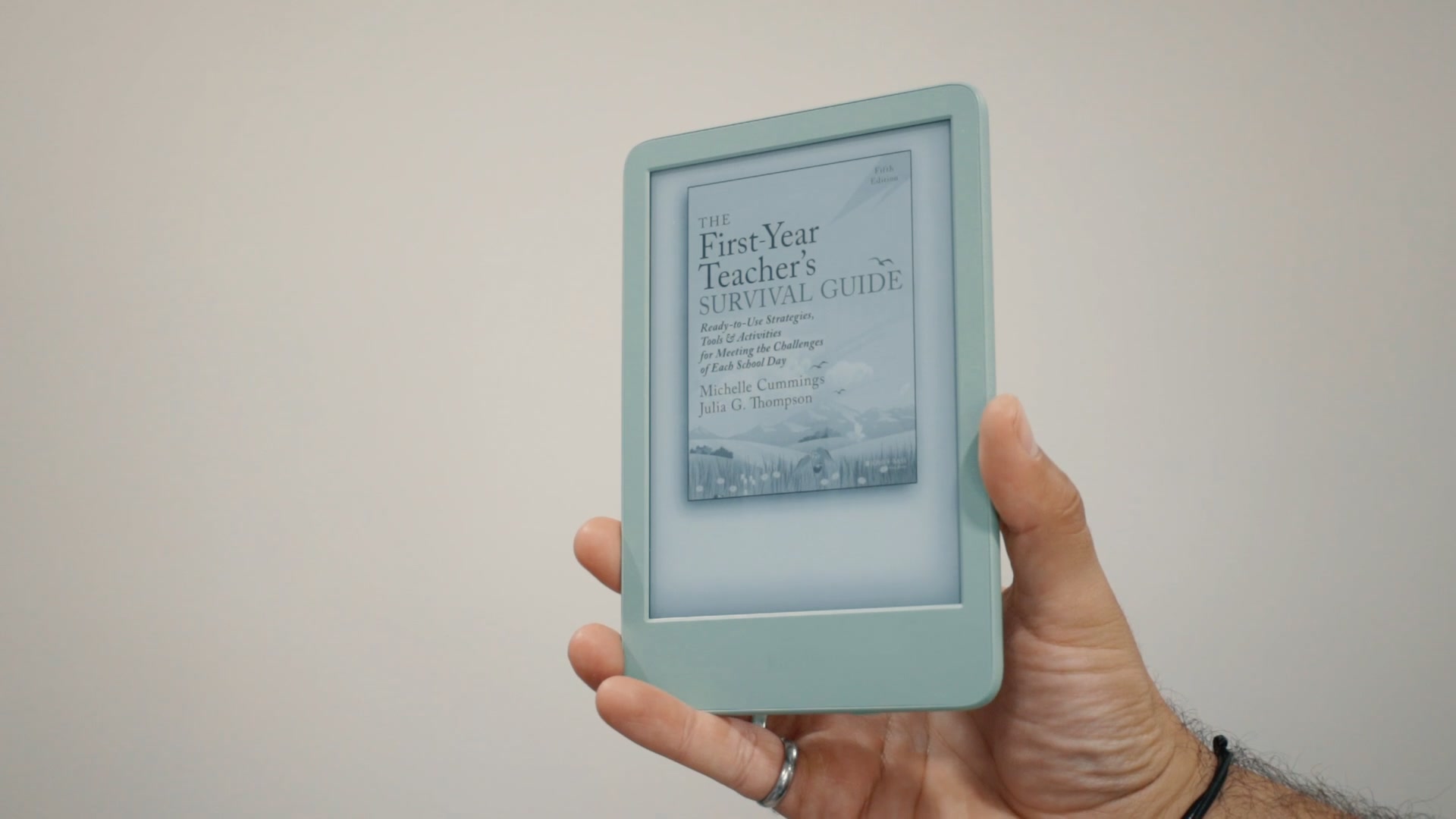
The Xteink X4 Pro is a 72 gram E Ink reader that fits in a pocket, which is the one thing my Kindle does not do. Here is the article workflow I built around it, and why it is the reason the device stays with me.
The Xteink X4 Pro earns a slot in my pocket, but only because of how I get articles onto it. On its own it is a small E Ink reader. With a read-later app that bundles articles into an EPUB, it fills a gap I had in my reading habits.
It has changed the way I plan and consume content.
XTEINK sent me this X4 Pro as a gift. They did not pay me. This is a review and my first impressions, and the full video has the screen recordings.
The gap it fills
I own a Kindle that is great for Kindle books, and I carry it with me often. But it does not fit in my pocket, so I end up relying on my phone. I don't always have the willpower to just read when I'm out and about.
Instead I jump on social media or check email.
I still want to read as much as possible. The Xteink X4 Pro is distraction-free, and it fits in the hand perfectly. It keeps me reading because it is with me all the time.
Specs that matter
- Weight: about 72 grams
- Screen: 4.3-inch E Ink
- Files: reads EPUBs and text files, which are the main files I put on it
- Price: about $99 on XTEINK's website
The device is magnetic. I don't carry it loose with my phone, because I'm afraid the screen will break or get scratched. I put it in my pocket notebook instead, which protects it well.
The weak point is that I'm afraid I'll drop it when I open the notebook. I'm looking for a way to attach it more firmly, maybe a magnet on the outside cover so it stays put. That is still unsolved.
The workflow: from phone feed to EPUB
The main purpose of this reader is articles. I compile a bunch of articles I want to read, and the app I use for that is one I created with ChatGPT and Claude and some other sources over many months.
The app has a reader feed organized by topic. Say I open Stationery. There are a bunch of subreddit articles I can dismiss.
An article by Galen Leather on how to burnish brass pens caught my attention, so I mark it "later."
Everything marked later lands in a Later tab. There is a link there that says "Send to the Xteink," with a count and size, in my case 14 pieces and 162 kilobytes. Some of those items are engineering reading, and some go to my Stationery Pulse.
Tapping that link creates an EPUB that I then transfer to the X4 Pro.
The app also keeps track of what I want to watch, listen to, or read. I can add feeds to the inbox and sort things by video, audio, or reading. Everything marked for reading gets combined and put on the X4 Pro to read later.
Getting files onto the Xteink X4 Pro
Sending articles to a Kindle is something I've done in the past. I'm more likely to read articles when I'm out and about and they're short reads, and this path is quicker. There are three ways to move the file:
| Method | How it works | Best for |
|---|---|---|
| Join a network | Save the EPUB on the phone, open File Transfer on the X4 Pro, join a network, and scan the QR code | Going straight from the phone |
| Memory card | Take the card out and put it on a computer | Saving files in bulk |
| USB to computer | Connect the X4 Pro to a computer directly | Working from a desktop |
I mostly use the network option from my phone. Once the file is on the device, I go to Browse Files and open the folders I set up. The app compiles all the articles I created into one book.
I can jump in and start, and the buttons on both sides turn pages. I set the power button so that a tap adds a bookmark I can revisit later.
I can also put full books on it. I have the Autobiography of Benjamin Franklin from Project Gutenberg in a Time and Productivity folder.
Best for: phone-to-reader transfers when you want to read short articles on the go.
Other file options
You do not need my app. You can save articles directly to the memory card.
I haven't tested PDF files. Text files work, and the XTEINK app has ways to convert other files.
The XTEINK app's import screen lists TXT, EPUB, PDF, MOBI, XTC and more, and you can change the font. That is the app's list, not my test. Its book conversion lets you drop in a file, optimize it for the device, and push it to the device.
One tradeoff: if you sideload CrossInk or CrossPoint software, you give up some of those conversion benefits. You can still do the conversion on your phone or computer and then put the files on the memory card. If you're researching this product, you will probably see both of those names.
I have CrossInk on mine right now, which lets me organize things a little better.
Verdict
Best for: people who save articles and never read them, because their phone is the only thing they have on them.
Skip if: you only read books and already carry a Kindle everywhere. The pocket size is the whole point here, and my Kindle already handles books.
For about $99, the X4 Pro does one job for me: it gives me something to carry that is not my phone. It keeps me distraction-free, and it lets me read articles I was neglecting. This is a first impression of the setup, not a deep dive, and I plan to cover more of what the device can do.
The gear worth a look
- Xteink X4 Pro: At 72 grams with a 4.3-inch E Ink screen, it fits in a pocket notebook and gives me a distraction-free place to read saved articles away from my phone.
- Xteink X4 Pro from XTEINK's store: XTEINK's offer for this audience is a free magnetic case. Add the case to your cart with the X4 Pro, then use code x4prokoc at checkout.
- Amazon Kindle: The Kindle I use for books. It is great for books, but it does not fit in my pocket.
The Amazon links above are affiliate links. As an Amazon Associate I earn from qualifying purchases.
Related reading
- Field Notes Winter Edition Review: The 1943 Two-Way Memo Books
- Techo Kaigi 2026: My Complete Analog Planner Setup
- The Pocket Notebook Method: How to Remember What You Read
Frequently Asked Questions
What is the Xteink X4 Pro?
The Xteink X4 Pro is a small E Ink reader with a 4.3-inch screen that weighs about 72 grams. It reads EPUBs and text files.
How do you send articles to the Xteink X4 Pro?
I create an EPUB of saved articles in my read-later app, then transfer it by joining a network from my phone, by memory card, or by USB to a computer. The articles appear as one book in the Browse Files menu.
What file types does the Xteink X4 Pro support?
The XTEINK app's import screen lists TXT, EPUB, PDF, MOBI, XTC and others. I mostly use EPUBs and text files, and I haven't tested PDF files myself.
How much does the Xteink X4 Pro cost?
It retails for about $99 on XTEINK's website.